Without Pitboard, changing account in Claude Code, OpenAI’s Codex CLI or Claude Desktop means signing out and signing in again.
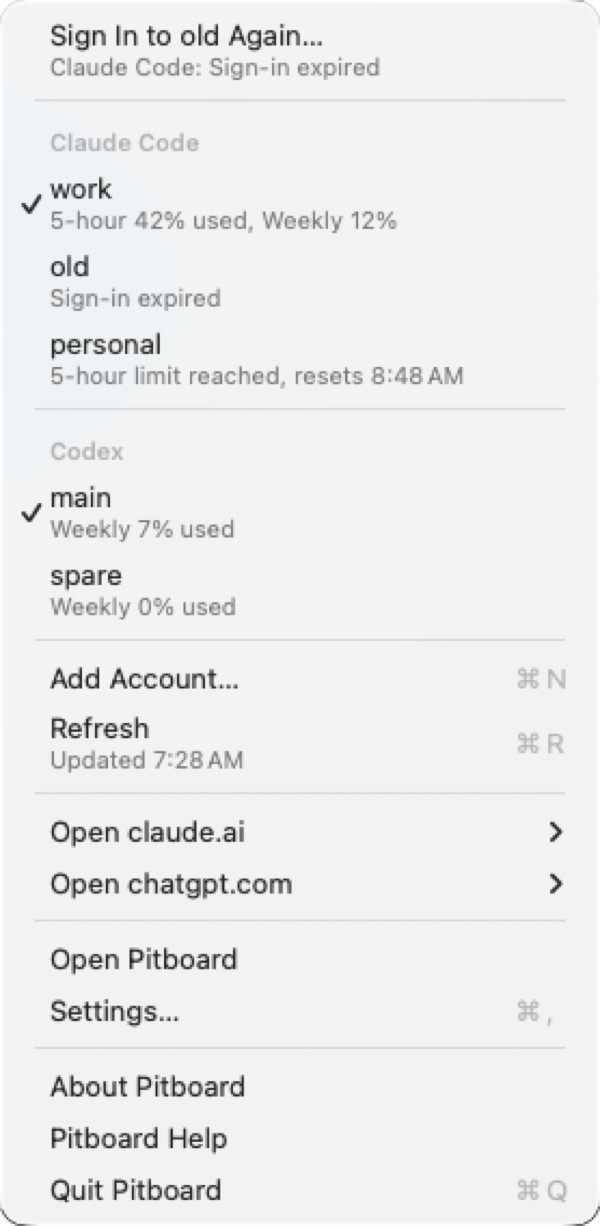
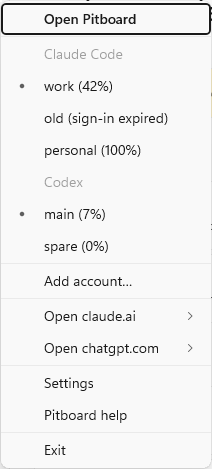
The Pitboard menu, offering first to sign in to an account again, then listing Claude Code and Codex accounts with a check mark on each one in use and, under each account's name, how much of its limits it has used or that its sign-in has expired
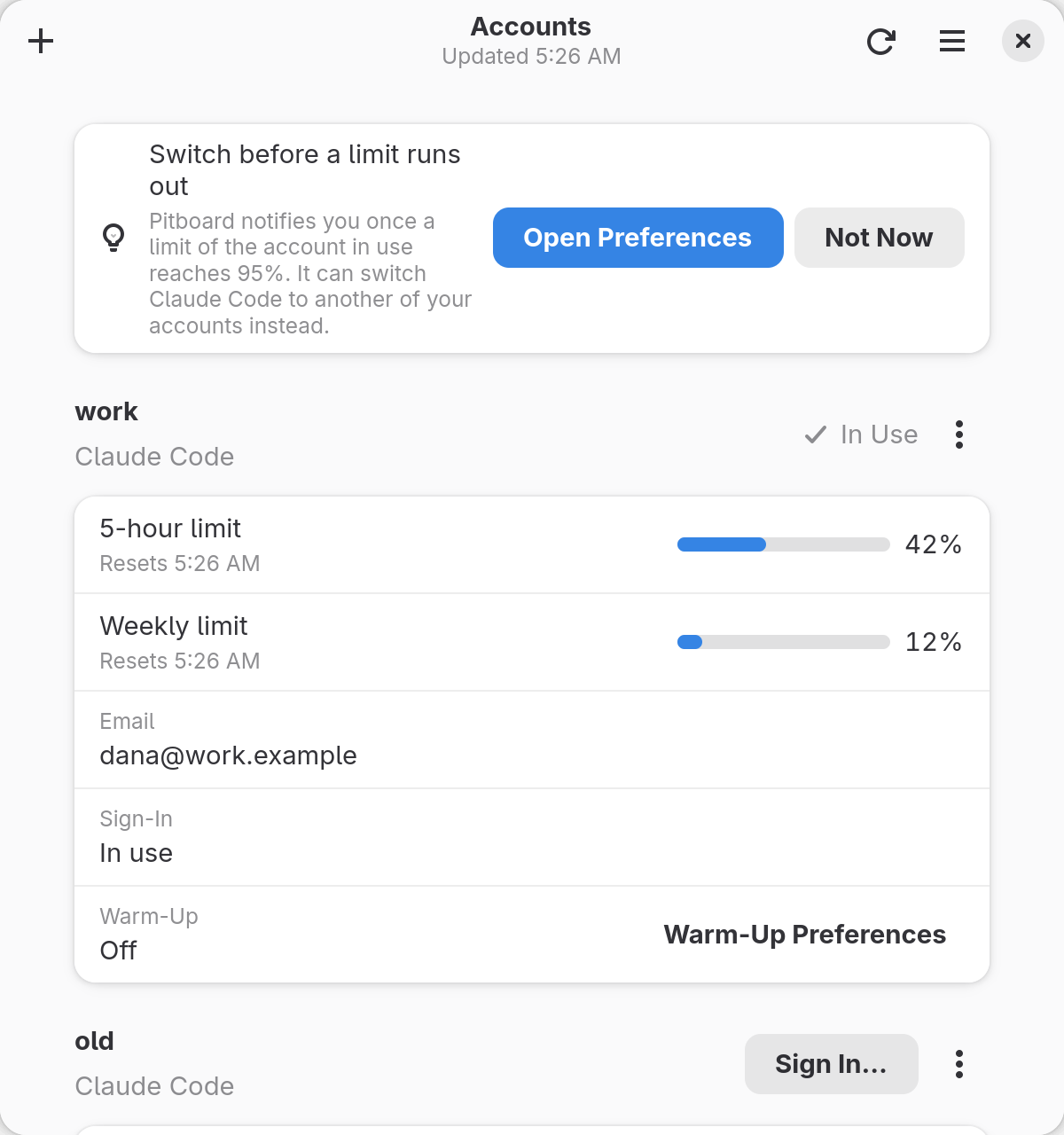
Pitboard keeps the login of each account you are not using, called a parked login. A switch puts the chosen account’s parked login where Claude Code, Codex or Claude Desktop reads it. Your history, settings and projects stay where they are. Pitboard and other ways to use several accounts compares this with a config folder per account and with other tools. Open Claude Code sessions follow a switch within about 33 seconds, with no restart. Anything that runs Codex keeps the old account until it starts again. Claude Desktop switches only while Claude is closed, and Claude opens signed in to the account switched to. What happens to open sessions says what each tool does. Pitboard finishes or undoes an interrupted switch before it changes that tool’s login again. While the app is open, it notifies you once a limit of the account in use reaches 95%. Pitboard can also switch Claude Code by itself, from the app or a background service, once you turn it on. On macOS and Windows, the app gives each Claude Code and Codex account its own window on claude.ai or chatgpt.com, where you sign in as that account. On Linux, it opens their links in your browser. Pitboard has no server of its own and no telemetry. It sends each login only to the service that issued it. What leaves your machine lists every request.

Where it runs

The app runs from the menu bar on macOS, and from its icon in the notification area on Windows. On Linux, it runs from its window, and from its tray icon where the desktop keeps a tray. What you need gives the versions, the architectures and how far each system is tested.

What it works with

Tools and sign-ins Pitboard does not support lists what it leaves out. Is this allowed covers the services’ terms. To check a release file before you run it, see Verify a download. Pitboard is licensed under Apache-2.0. It is not affiliated with Anthropic or OpenAI, as NOTICE states.

Where to go next

Quickstart

Install Pitboard, enrol two Claude Code accounts and switch between them.

Switch accounts

Switch from the app’s menu, its window or the command line.

How switching works

What happens to each login, and when open sessions follow.

Security and privacy

Where parked logins are kept and what leaves your machine.